
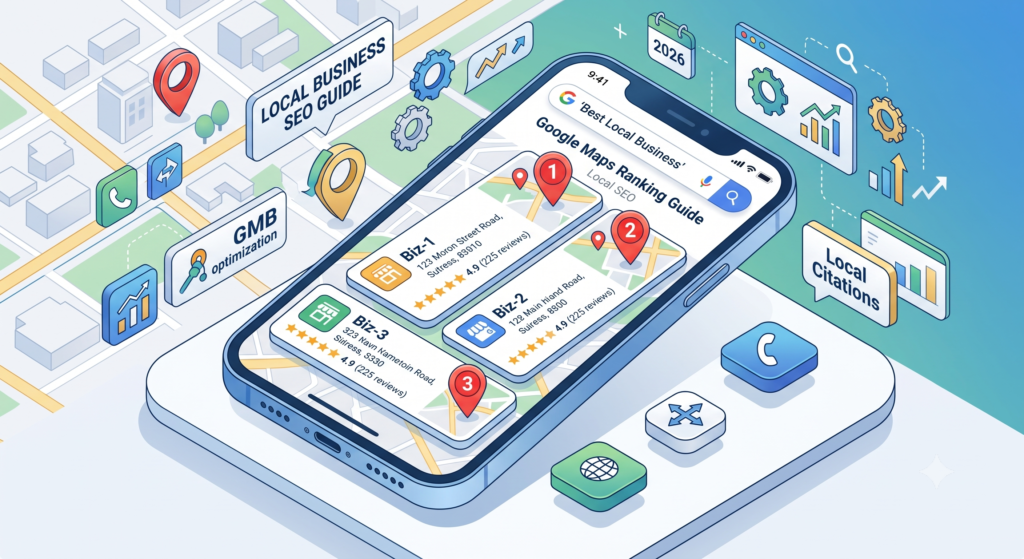
Want to learn how to rank on Google Maps and get more local walk-in customers?
Imagine this scenario: A customer in your city pulls out their smartphone and searches for “best electrical shop near me”, “top dental clinic”, or “digital marketing agency near me.”
Where does your business show up?
If your shop or office is not appearing in the top 3 results on Google Maps (known as the Google Local 3-Pack), you are losing dozens of high-paying customers every week directly to your nearest competitors—without even realizing it.
In this practical guide from Eduzar, we cut through complex marketing jargon to show you exactly how Google Maps ranking works, how to optimize your listing, and how to dominate your local market in 2026.
Why Google Maps Ranking is Essential for Local Business
Today, over 80% of local purchases begin with a search on Google. Customers no longer scroll through long directories or look at paper advertisements. They open Google Maps, inspect star ratings, read recent customer reviews, and tap the “Call” or “Get Directions” button.
When your profile reaches the top 3 on Google Maps:
- High-Intent Phone Calls: You receive calls from people ready to buy today.
- Increased Store Footfall: Local buyers navigate straight to your physical counter.
- Instant Trust & Credibility: High star ratings act as social proof before you even speak to a client.
- Zero Ad Spend: Organic Google Maps traffic is 100% free.
5 Proven Steps to Rank on Google Maps in 2026
Step 1: Claim & Verify Your Google Business Profile
If you haven’t claimed your business, visit google.com/business and register your official business title, physical store address, and phone number. Choose the verification method provided by Google (video verification, SMS, or phone call).
Pro Tip: Make sure your business name matches your real-world storefront signage exactly. Avoid stuffing spam keywords into your business title, as Google frequently suspends listings that violate title guidelines.
Step 2: Choose Category for Better Google Maps Ranking
Google relies heavily on your business category to match user search queries.
- Select one Primary Category that describes your core offering (e.g., Electrical Supply Store, Digital Marketing Agency, or Restaurant).
- Add 3 to 5 Secondary Categories to cover your secondary services (e.g., Appliance Store, Lighting Store, Wholesaler).
Step 3: Build Review Volume for High Google Maps Ranking
While a 5.0-star rating is great, Google’s algorithm prioritizes review volume (total number of reviews) and review velocity (how regularly you get new ones).
How to get more reviews fast:
- Place a tabletop standee with a direct Google Review QR Code at your billing counter.
- Ask satisfied customers to write a review before leaving your shop.
- Encourage reviewers to mention specific products in their comments (for example: “Great quality LED panel lights and fast delivery”). Keywords inside customer reviews directly boost your rank!
Step 4: Upload High-Quality Store Photos Weekly
Listings that regularly upload fresh photos receive 35% more clicks and direction requests than inactive profiles. Every week, upload 2 to 3 photos showing:
- Your exterior storefront and main sign board.
- Clean interior displays and product shelves.
- Happy customer interactions or newly arrived stock.
Step 5: Complete Attributes for Higher Rank on Google Maps
Fill out 100% of your business details inside your dashboard:
- Operating Hours: Keep special holiday hours updated.
- Service Options: Check boxes for In-Store Shopping, In-Store Pick-up, and Delivery.
- Products Catalog: Add top-selling items with photos, descriptions, and price tags.
How Long Does It Take to Rank on Google Maps?
If you follow these steps consistently:
- Weeks 1–2: Google re-indexes your profile and updates your category relevance.
- Weeks 3–4: Increasing review volume and regular photos start moving your business up the list.
- Months 2–3: Your profile stabilizes inside the local Top 3 Pack for core search queries in your area.
💡 Need Professional Local SEO Execution?
While optimizing your Google Business Profile is straightforward, maintaining weekly updates, review strategies, and technical citations takes time away from managing your store.
If you prefer expert execution, Amplifi Business helps local retailers, clinics, and brands scale their digital presence and dominate local search rankings.
Action Checklist to Rank on Google Maps
| Action Item | Frequency | Target / Goal |
| Request Customer Reviews | Daily | 5 to 10 new reviews every week |
| Upload Store Photos | Weekly | 2 to 3 fresh photos |
| Publish Google Posts | Weekly | 1 post featuring offers or products |
| Respond to All Reviews | Within 24 Hours | Reply politely to positive & negative feedback |
What to Read Next on Eduzar:
- 10 Easy Social Media Post Ideas for Local Retail Stores
- How to Run Your First ₹500/day Local Facebook Lead Ad
- WhatsApp Business Marketing 101: Turn Walk-in Buyers into Repeat Customers